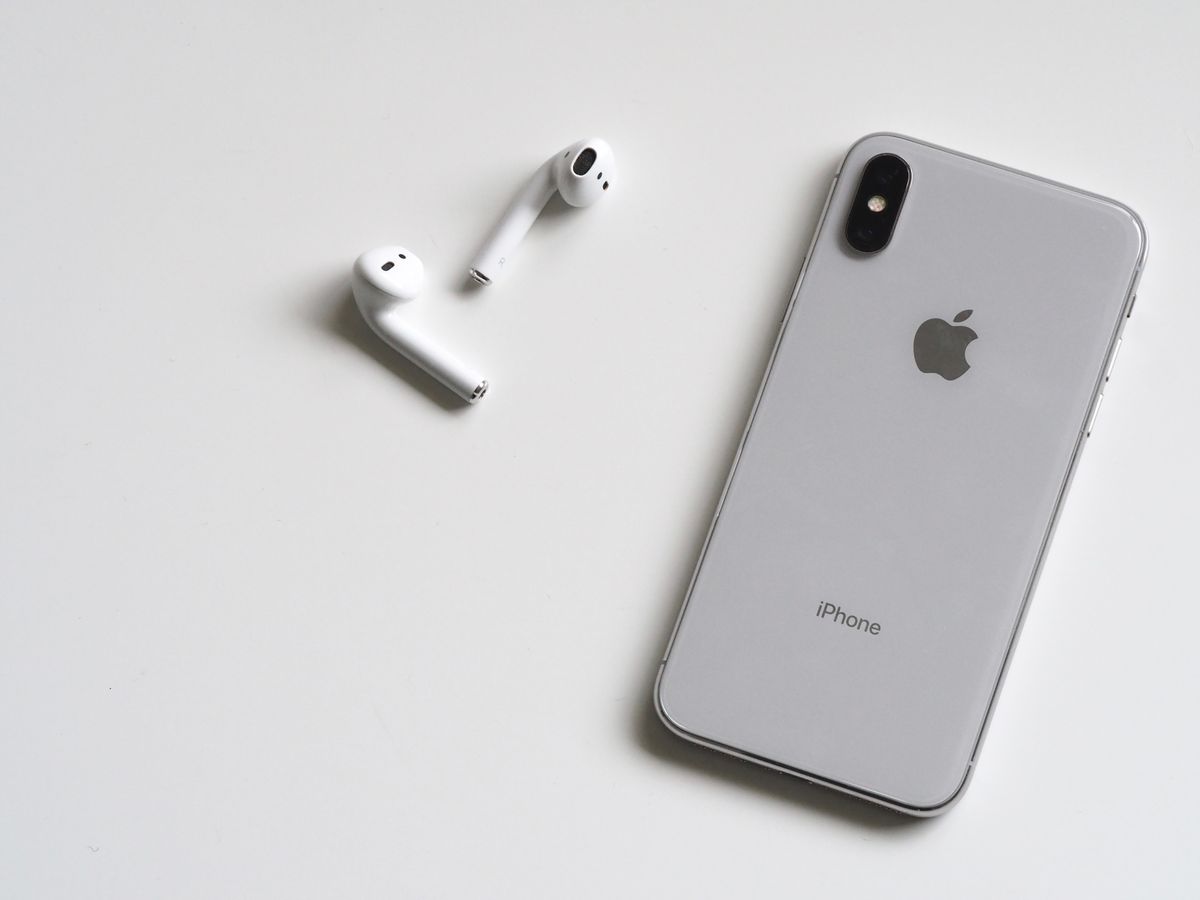
Ex‑UK iPhones are popular in Kenya because they offer great value — premium devices at a more affordable price. The key is buying from a seller who tests properly and can explain what you’re getting.
1) Confirm the iPhone is unlocked
An unlocked iPhone works with Safaricom, Airtel, Telkom and any other carrier. Ask to insert a SIM and confirm it makes calls and connects to mobile data.
2) Check battery health (and charging)
Go to Settings → Battery → Battery Health. A strong battery makes the phone feel fast and reliable. Also test charging with a known-good cable and adapter.
3) Test Face ID / Touch ID and cameras
Biometrics and cameras are the most-used features. Test Face ID/Touch ID setup, front camera, back camera, and video recording.
4) Inspect True Tone and display quality
A replaced screen can still look good, but it should be properly fitted and responsive. Check brightness, touch responsiveness, and if True Tone is available on supported models.
5) Confirm iCloud is signed out
Never buy a phone that’s still signed into an iCloud account. It should be factory reset and ready to set up with your Apple ID.
At Oasis Technologies in Thika, every device is tested, graded, and explained clearly so you can buy with confidence.
Need help choosing the right device?
Visit our collections or contact Oasis Technologies in Thika for advice, pricing, and availability.
More Posts
View all
The New Era of Charging.
charging technology is evolving faster than ever.
The Evolution of iPhone: From 2007 to Today (Key Milestones)
From a single device with one camera to a pocket computer with advanced photography and security — here’s how iPhone evolved, and what those changes mean for everyday users.
AI-Assisted Phone Repairs: The New Tools Technicians Use (and How They Help)
Repair shops are starting to use AI to diagnose faults faster, reduce guesswork, and improve quality control. Here’s what “AI-assisted repair” actually means — and what customers should expect.