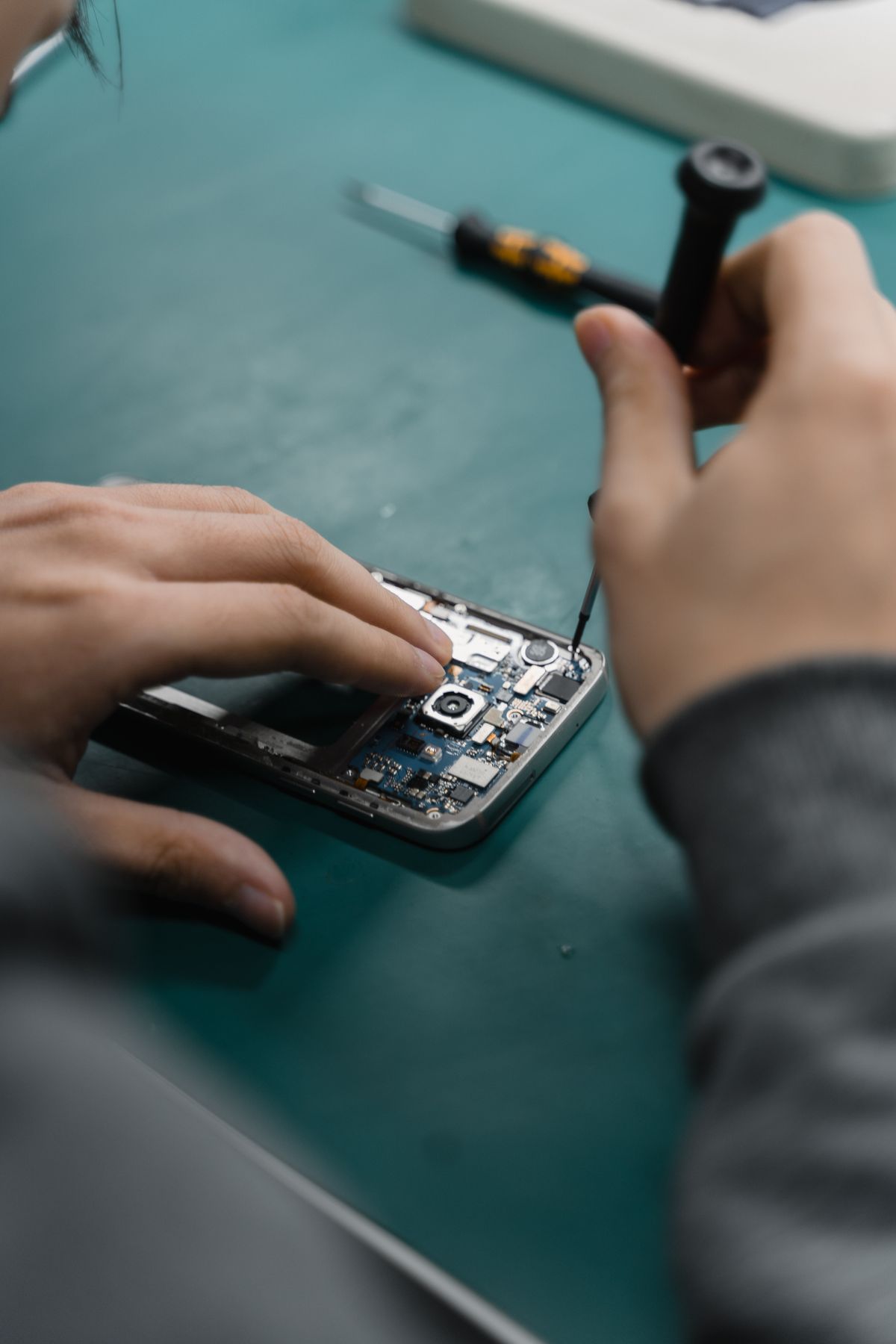
A cracked screen can get worse quickly — dust, moisture, and sharp glass all create risk. A good repair should restore the feel of the phone, not just make it “look okay”.
Diagnosis first
Before replacing the screen, a technician should test touch, display lines, Face ID/earpiece, and charging. This helps catch hidden damage early.
Quality parts matter
Cheap screens often have dull colors, weak touch response, and lower durability. Ask what grade of part is being used and whether it matches your model exactly.
Testing after replacement
After the repair, the shop should test touch everywhere, brightness, cameras, speaker/earpiece, and proximity sensor. You should be able to verify everything on the spot.
Warranty and after-care
Always ask for a warranty period and keep your receipt. Avoid heavy pressure on the screen for the first day and use a screen protector for extra safety.
Need a repair? Visit Oasis Technologies in Thika for fast, honest diagnosis and dependable screen replacements.
Need help choosing the right device?
Visit our collections or contact Oasis Technologies in Thika for advice, pricing, and availability.
More Posts
View all
The New Era of Charging.
charging technology is evolving faster than ever.
The Evolution of iPhone: From 2007 to Today (Key Milestones)
From a single device with one camera to a pocket computer with advanced photography and security — here’s how iPhone evolved, and what those changes mean for everyday users.
AI-Assisted Phone Repairs: The New Tools Technicians Use (and How They Help)
Repair shops are starting to use AI to diagnose faults faster, reduce guesswork, and improve quality control. Here’s what “AI-assisted repair” actually means — and what customers should expect.